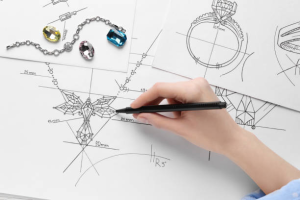
Digital illustration is a skill that enables artists to produce bright, editable art using tablets, styluses and software rather than using paper and paint. In the case of beginners, it is not only a matter of learning tools, but rather how to apply the basics of drawing to a digital workflow. Anyone can begin to make polished illustrations, regardless of a lack of training in fine art, with the appropriate approach. The trick is to train important tricks and develop confidence gradually.
1. Get Comfortable with Your Tools
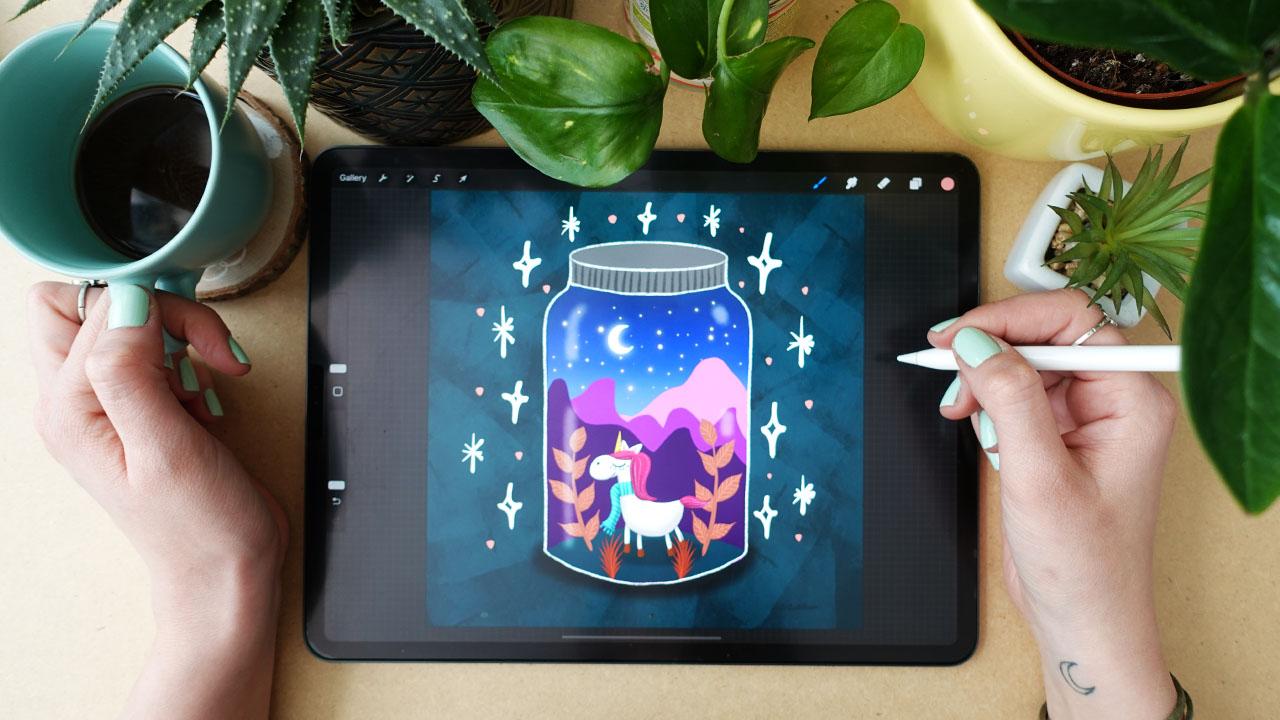
Get familiar with your hardware and software before you begin to draw. The most common is a graphics tablet or iPad with a stylus, although a mouse can be used to create simple shapes. Get acquainted with the fundamentals of the program that you have selected-layers, undo, zoom, brushes, color palettes. Majority of apps have beginner tutorials showing you around menus and shortcuts. Take time to test various types of brushes, opacities and pressure settings to feel more in control once you start work in earnest.
2. Use Layers Effectively
One of the largest benefits of digital illustration is layers. Imagine them as sheer sheets of paper one atop the other, each containing various portions of your image. Another typical entry level workflow is to sketch on a layer called rough, a layer called clean line art, and a layer called colors. By doing so, it is possible to modify the thickness of lines, correct errors or even test color combinations without destroying your original drawing. You can add layers to create shadows, highlights, textures and backgrounds as you feel more comfortable, and keep your artwork well-organized and easy to edit.
3. Start with Simple Shapes and Outlines
Digital art has a solid base, as well as traditional drawing. Start simple, using primary shapes, circles, ovals, rectangles and triangles, to block forms, proportions and poses. Next work out the outlines of the shapes. Light sketch lines are best used initially, before locking your final lines in place when you are satisfied. Most beginners pay too much attention to details at the outset thus finding it difficult to adjust proportions in the future. You need to begin with simple things and gain confidence and retain your compositions precise.
4. Learn Basic Color and Shading
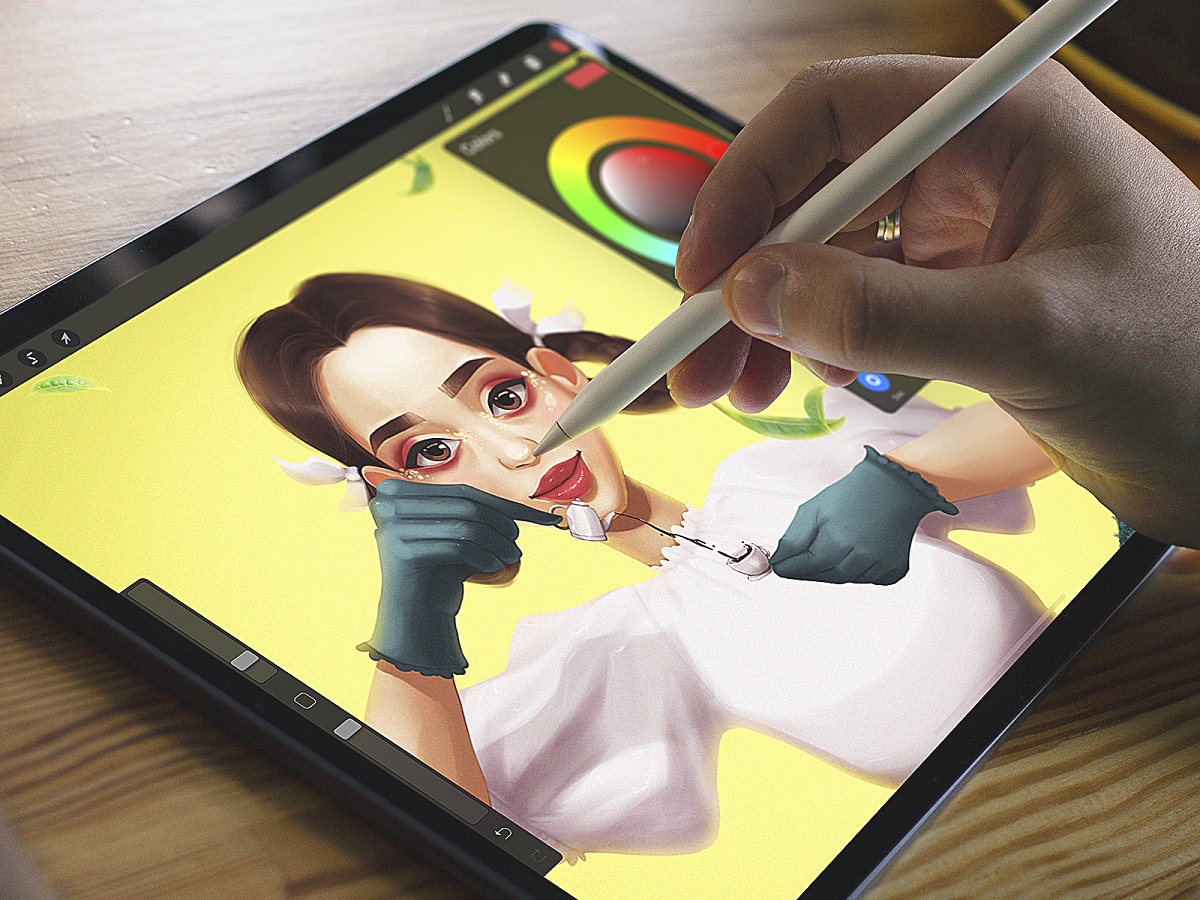
When the line work is correct, time to add color. Novices usually begin with flat colors -filling in spaces with solid colors-then add shadows and highlights. Using a lighter shade on one side and a darker shade on the other, following a uniform source of light, produces simple shading. Shadows and highlights can be worked in different layers thus can be easily adjusted. Gradually, the use of gradients, blending modes, and texture brush will make your illustrations appear more dynamic and refined.
5. Practice Style and Composition

The digital illustration has a great variety of styles, flat, vector-based illustration and realistic painterly images. Novices ought to experiment in various styles by tracing little studies of pictures they like, not to steal, but to discover how the lines, shapes and colors are applied. Meanwhile, consider composition–the arrangement of elements on the canvas. Visual balance, leading lines and negative space can transform an ordinary drawing into a powerful, captivating illustration. Even some minor enhancements here can go a long way in making your work look professional.
6. Save, Export, and Share Your Work
After completing an illustration, save it in various formats. A layered file (such as a PSD or AI file) allows you to keep working on it, whereas a flattened one (such as PNG or JPEG) is better to share on the internet. Confirm the resolution and size required based on its usage, web, social media, print. Exports are the way to go, so that your work will look good anywhere. It is also good to save and share your work frequently to have a record of improvement over time which encourages you to continue to improve.
Digital illustration is a skill which is developed through practice, trial and error and patience. To begin with, the first step is to keep it small, to make good use of tools, and to have fun with it.